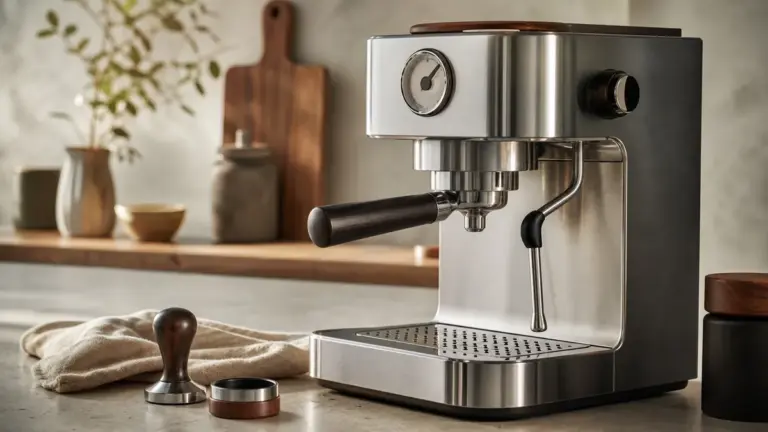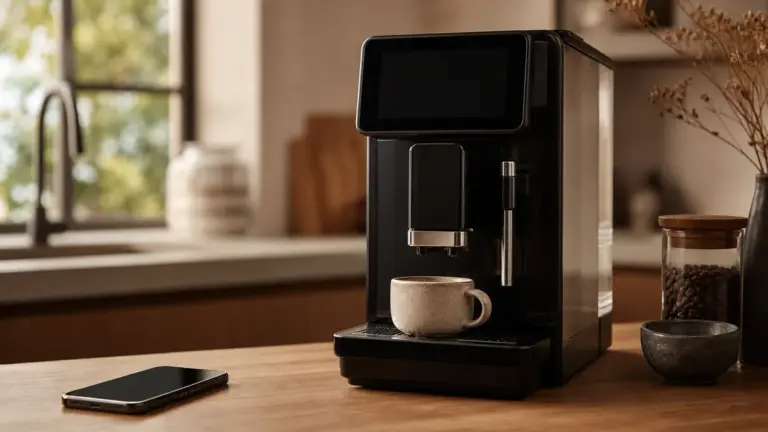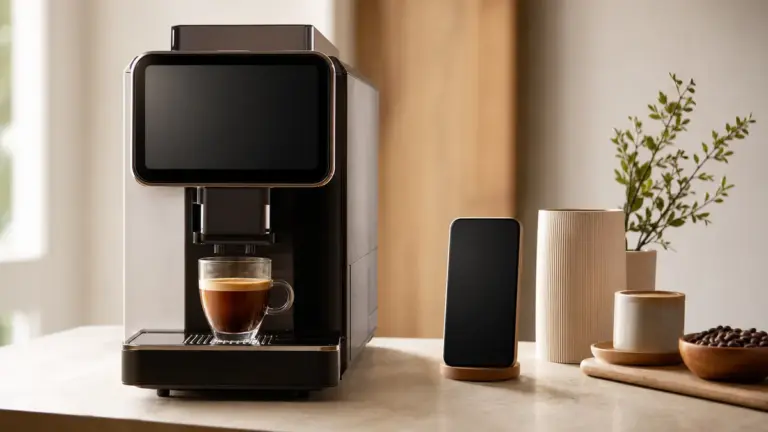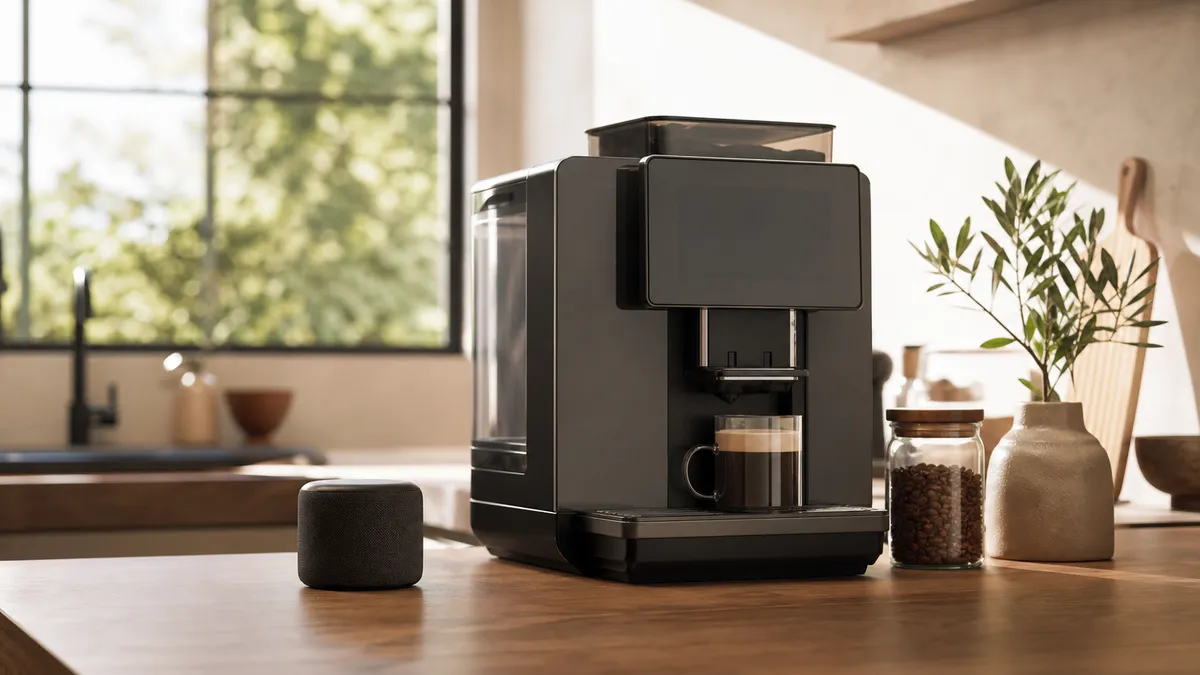
Smart coffee makers add connected features, such as app-based drink settings, remote brewing or voice commands, to a coffee appliance. They are worth considering when those features solve a real problem, but our buying judgement is simple: choose the brewing performance first, then assess the connectivity, security support and everyday usefulness.
In short
- A timer, touchscreen or automatic brewing programme does not necessarily mean a machine is internet-connected.
- App control, remote switch-on, scheduled brewing and voice control are separate features. Check each one.
- Bluetooth, Wi-Fi and Matter describe different aspects of connectivity; none guarantees compatibility with every smart-home system.
- Check the published security-support end date, not just whether the app is available now.
- Ask what remains usable without the app, internet connection or manufacturer’s online service.
IoT and Coffee Brewing
The Internet of Things, usually shortened to IoT, means physical products that exchange data through a network. In coffee equipment, that connection can let an appliance receive instructions, share its status or work with another service.
For this guide, a smart coffee maker is a coffee appliance with connected control or monitoring. That is different from a machine that simply automates brewing internally.
An automatic bean-to-cup machine can grind, brew and dispense coffee without offering any network connection. Equally, a programmable filter brewer can start at a preset time without needing an app. Sage’s Precision Brewer manual, for example, describes an onboard Auto Start function.
This distinction matters because “smart” is not a useful buying specification by itself. Write down the task you want the machine to perform, then check whether the exact model does it. Our coffee technology overview puts connected appliances alongside the wider developments in brewing equipment.
What app control actually adds
An app can provide another way to operate a machine, rather than changing how the coffee is brewed. JURA, for example, describes its J.O.E. app as providing machine settings, drink customisation and preparation control through compatible connected equipment.
Its published information distinguishes Smart Connect, which uses Bluetooth, from Wi-Fi Connect, which connects through a wireless network. Compatibility depends on the machine and connection accessory.
The useful question is therefore not “Does it have an app?” but “What can I do in the app that helps me?”
A larger interface for adjusting favourite drinks may be valuable. Opening a phone app simply to repeat the button press available directly in front of you may not be. For the broader distinction between machine-control software and other coffee software, see coffee apps.
Scheduling is not remote starting
Check these functions separately:
- Scheduled brewing: the appliance begins brewing at a selected time.
- Scheduled heating: the machine becomes ready, but does not necessarily dispense.
- Remote switch-on: a command wakes or powers up the machine.
- Remote preparation: a command starts a drink on a suitably prepared appliance.
Do not infer one from another. Ask the supplier to demonstrate your intended sequence, including what happens after the machine has entered standby.
Scheduling also needs physical preparation. Sage’s Auto Start instructions require the appropriate filter basket, ground coffee, fresh water and a correctly positioned cup or carafe. A scheduled command does not perform those jobs.
For milk drinks, check the exact storage arrangements before planning an unattended routine. Do not treat a milk container as refrigerated unless the manufacturer specifies that it is.
Connected Coffee Appliances
Compare connected features using four criteria: the job they perform, the preparation they still require, their dependence on other services and their usefulness when connectivity fails.
| Feature | What to verify | Who it may suit | Main limitation |
|---|---|---|---|
| Onboard timer | Whether it starts heating or brewing | Someone with a regular morning routine | Needs advance preparation |
| App drink settings | Which settings and profiles are available | Households sharing different drink preferences | May duplicate the machine’s controls |
| Remote preparation | Standby behaviour and safety requirements | Someone who can prepare the appliance beforehand | Cannot position a cup or refill ingredients |
| Voice control | Exact assistant, UK availability and supported commands | Someone who finds spoken control convenient | Adds another service to the operating chain |
| Connected support | What information is shared and what support is provided | Someone who values guided assistance | Does not replace physical maintenance |
These are buying criteria, not features offered by every connected appliance.
App and voice control
Home Connect’s British website describes Amazon Alexa control for compatible coffee machines. Its examples include switching a machine on and requesting a drink. These are manufacturer-described capabilities, not evidence that every machine using Home Connect supports every command.
Before buying, confirm the exact UK model, app and voice-assistant combination. Ask whether an additional accessory or account is needed, and whether everyone in the household can use the required functions.
Voice control can be particularly attractive if operating small controls is difficult. However, assess it as an accessibility aid through a demonstration, not a promise on a product page. Check that essential controls remain usable when speech recognition or the connection fails.
Home Connect also publishes different remote-start arrangements for different appliance categories. Its coffee-machine guidance describes remote start becoming available after pairing. Follow the coffee machine’s own manual rather than applying instructions for an oven or dishwasher.
Detailed pairing and operating instructions belong in our guide to app-controlled machines.
Brewing quality still needs its own assessment
An app feature list does not tell you whether a machine brews coffee well. Assess the brewing equipment separately from the connected interface.
For a filter brewer, check the exact model against the Specialty Coffee Association’s certified-equipment information where applicable. The SCA programme evaluates brewing and performance against its standards. It is not a cybersecurity certification.
Also examine the unglamorous details: access for cleaning, replacement parts, the water tank and the instructions for routine care.
For water, use your own supplier’s information rather than assuming one hardness level applies throughout the UK. Thames Water, for example, provides a postcode-based water-quality lookup. Follow the appliance’s hardness-testing and filter instructions; a connected interface is not a substitute for setting the machine up correctly.
IoT Standards and Compatibility
The connection to your network and the language used to control an appliance are different things.
Bluetooth can provide a connection between a phone and compatible coffee equipment. Wi-Fi connects an appliance to a wireless network. Neither label, on its own, promises a particular voice assistant, remote-access function or shared smart-home control system.
Matter is a smart-home interoperability standard intended to help compatible products work across supporting platforms. The Connectivity Standards Alliance explains that Matter uses Wi-Fi, Thread or Ethernet for connectivity, with Bluetooth Low Energy used during setup.
Do not assume that a Wi-Fi coffee maker supports Matter. Nor should you buy an appliance on an unconfirmed expectation that a future update will add it. The Alliance states that updates depend on both the product’s technical capabilities and the manufacturer’s decision.
Ask for explicit compatibility documentation for the exact model and the functions you want. “Works with a voice assistant” and “Matter-certified” are not interchangeable claims.
Local control versus cloud control
Local control communicates within your home network. Cloud control involves an online service outside it.
That distinction affects what you need to investigate before purchase. Home Connect states that its connected functions require an internet connection, while the appliance can still be operated conventionally without one.
Ask the manufacturer what happens separately when:
- Your internet connection fails.
- Your phone is unavailable.
- You sign out of the app.
- The manufacturer withdraws a connected service.
Our recommendation is to favour useful controls on the appliance itself. Treat the loss of optional remote control differently from the loss of an essential brewing or maintenance function.
Security, Privacy and Updates
A connected coffee machine deserves the same attention to account security and updates as other smart-home equipment.
The UK consumer-connectable-product security regime took effect on 29 April 2024. For products within scope, requirements include controls on universal default or easily guessed passwords, a published security-reporting contact and information about minimum security-update periods.
There are scope exclusions, including particular products supplied in Northern Ireland where specified legislation applies. The official guidance should be checked rather than assuming every connected appliance falls under identical requirements.
A published support period is not a promise of indefinite support. Compare the stated end date with how long you intend to keep the appliance.
The National Cyber Security Centre advises avoiding unsupported devices where possible and keeping devices updated. Before connecting a machine:
- Use a strong, unique account password.
- Enable automatic updates where offered.
- Review the app’s permissions and privacy information.
- Check how to remove your account and reset the appliance before passing it on.
For a workplace installation, ask IT to approve the connection and account ownership. Do not make a shared appliance dependent on a departing employee’s personal login.
Are Smart Coffee Makers Worth It?
Our judgement is that connectivity is worthwhile when it removes a recurring difficulty: adjusting shared drink preferences, operating awkward controls or checking information that would otherwise be inconvenient to access.
It is less persuasive when the advertised benefit is merely starting a drink from elsewhere, but you must first visit the machine to prepare everything. Walk through the complete routine, not just the command shown in the demonstration.
Assess the whole commitment
Compare the appliance, any required connection module, installation, filters, cleaning supplies, servicing and any optional paid services. Include electricity and the time needed to manage accounts, updates and connection problems.
For a workplace, request itemised written quotations covering equipment, installation, maintenance, consumables, connected services and end-of-support arrangements. Compare proposals over the same intended ownership period and check the VAT basis of each item.
Keep these questions separate from the quality of the coffee. An elaborate connected system is not a reason to accept an appliance that is awkward to clean or unsuitable for your routine.
A final buying checklist
Before choosing, obtain clear answers to these questions:
- What exact task will connectivity improve?
- Does the UK model support it now?
- What preparation is still required before remote brewing?
- Are accessories, accounts or external services necessary?
- What remains usable offline?
- When does security support end?
- Can another household member or administrator take over the account?
For a personal purchase from a trader, the Consumer Rights Act 2015 protects expectations including satisfactory quality, fitness for purpose and conformity with description. Keep the product description and written confirmation of important connected features. Business purchases should not be assumed to carry the same consumer protections.
The strongest smart coffee makers make a useful coffee appliance easier to live with. Choose the routine you want to improve, then require the supplier to demonstrate it.
FAQ
Can a smart plug turn an ordinary coffee maker into a smart one?
Not necessarily, and you must check the appliance’s instructions first. A smart plug controls the electricity supply, not the brewer’s internal controls. Sage’s Precision Brewer manual specifically prohibits connection to an external switching device such as a timer or remote circuit. Do not override a manufacturer’s prohibition to create an automated routine.
Will a connected coffee maker work without the internet?
Some will retain conventional operation, but check the exact model and distinguish brewing from connected features. Home Connect says its appliances can be operated conventionally without internet access, while connected functions require it. Ask specifically about drink settings, cleaning programmes and any features available only through the app.
Should I buy a second-hand smart coffee maker?
Only after checking both its physical condition and its remaining connected support. The NCSC advises avoiding unsupported smart devices where possible. Confirm that the previous owner can remove the appliance from their account and follow the manufacturer’s reset procedure. Assess whether it remains useful if an app or connected service is unavailable.
Where to go next
Read Coffee and Technology: The Complete Guide for the wider equipment context, then App-Controlled Coffee Machines for a closer look at connected operation. Coffee Apps covers software beyond appliance control, while Emerging Coffee Machine Technology separates developing ideas from features to assess in smart coffee makers now.
Sources
- JURA, JURA Operating Experience (J.O.E.), undated manufacturer information, retrieved November 2026. UK product information.
- Home Connect, Works with Amazon Alexa and Remote Start: What it is and how it works, undated British manufacturer guidance, retrieved November 2026. Alexa compatibility; remote-start guidance.
- Home Connect, Home Connect Connection Guide, undated British support guidance, retrieved November 2026. Connection guide and FAQs.
- Sage, The Sage Precision Brewer: BDC450/SDC450 and BDC400/SDC400 Quick Guide, undated manufacturer manual, English sections on operation and safety, retrieved November 2026. Instruction manual.
- Specialty Coffee Association, SCA Certified Equipment Program, undated live programme information, retrieved November 2026. Certification programme.
- Connectivity Standards Alliance, Matter FAQs, undated live technical guidance, retrieved November 2026. Matter FAQs.
- Office for Product Safety and Standards, Regulations: consumer connectable product security, 2024, updated 17 March 2025. Official regulatory guidance.
- National Cyber Security Centre, Smart devices: using them safely in your home, live guidance retrieved November 2026. Device-security guidance.
- Thames Water, Water quality, undated supplier guidance and postcode-lookup entry point, retrieved November 2026. Water-quality information.
- Department for Business, Innovation and Skills, Consumer Rights Act 2015, 2015. Official explanatory guidance.
This article was researched using manufacturer documentation, standards-body information, official UK security and consumer guidance, and water-supplier information; no first-hand appliance testing is claimed.
Last checked: November 2026