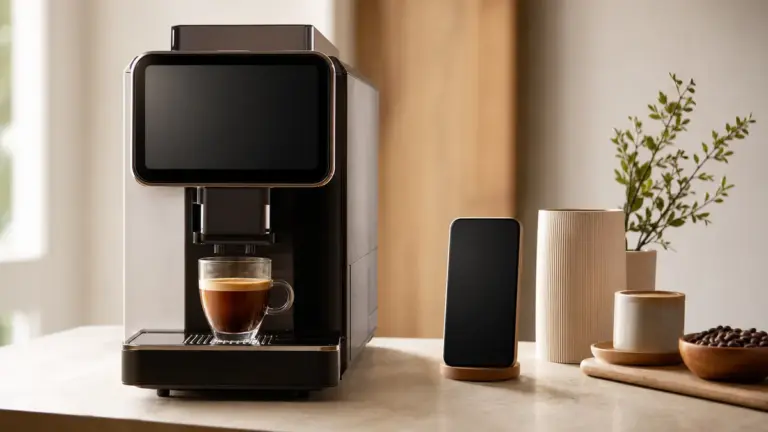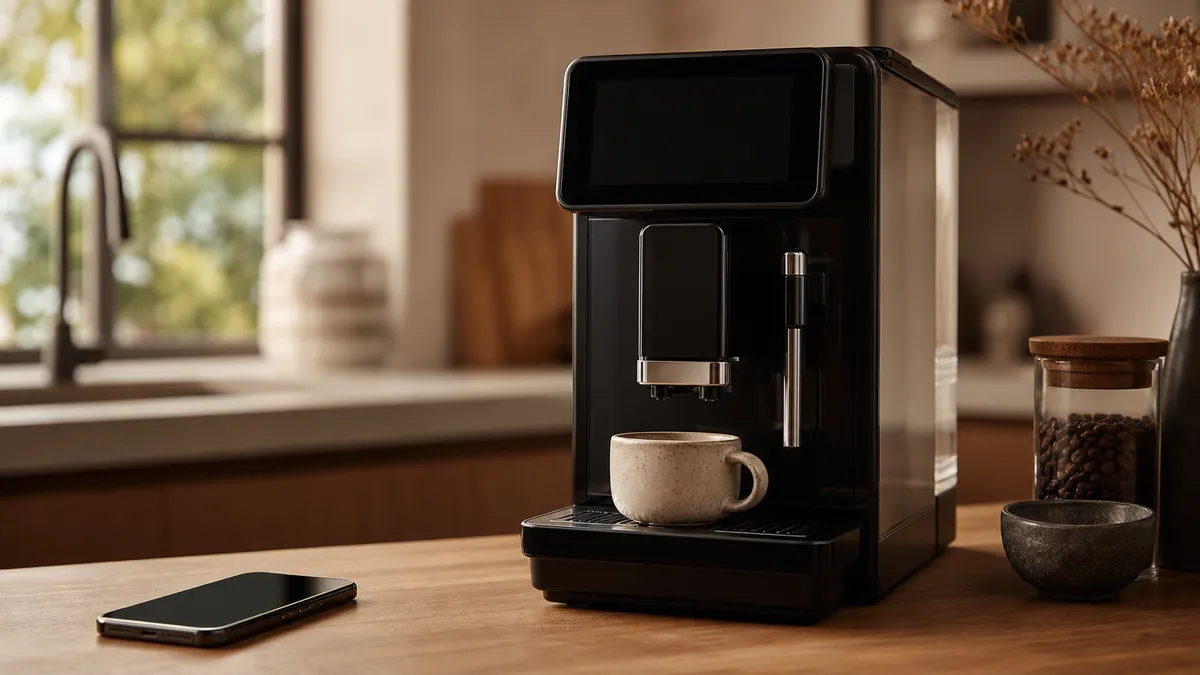
App-controlled coffee machines let you adjust drinks, save favourites and check machine information from a phone or tablet. Depending on the model, they can also start brewing remotely, provide maintenance guidance or send operational data to an office management dashboard, but those are different capabilities, not a single standard feature package.
In short
- Check compatibility for the exact machine, connection accessory and phone, not just the manufacturer’s app.
- Recipe settings and saved favourites are useful only if they control the adjustments you actually need.
- Bluetooth control, internet-connected remote brewing and office fleet monitoring are different systems.
- Treat maintenance messages as instructions for someone to act, not proof that cleaning has happened.
- Before buying, request a demonstration of everyday operation with the app disconnected.
What app-controlled coffee machines actually do
An app provides another way to interact with a compatible coffee machine. That might mean selecting a drink from nearby, editing its settings on a larger screen or checking information without navigating the machine’s menus.
The connection matters. JURA’s published J.O.E. information, for example, distinguishes Bluetooth through Smart Connect from Wi-Fi through Wi-Fi Connect. Home Connect requires an internet connection to connect an appliance to its service. Do not assume that every Wi-Fi machine offers the same local or remote access.
There are three questions worth separating:
- Can the phone change settings?
- Can it start a drink?
- Can it monitor the machine when nobody is standing beside it?
A machine may answer these differently. Ask the supplier to demonstrate each function you want on the exact model being offered.
For the wider context, start with coffee and technology. This article concentrates on app operation rather than smart appliances generally.
Recipe customisation and personal profiles
Which settings can you change?
Manufacturer-published examples show useful differences. Siemens advertises adjustments to temperature, drink size, strength and bean intensity on compatible connected machines. JURA describes personalised specialities with individual names and pictures.
These are claimed functions, not evidence that an app produces better coffee. During a demonstration, inspect what each control actually changes. Does “strength” offer named levels or a stated coffee dose? Does drink size change the coffee component, added water or the complete milk drink? Is grinder adjustment available remotely, or only at the machine?
For an enthusiast, the distinction is between a convenient recipe interface and meaningful brewing control. Ask whether the machine exposes quantities in grams or millilitres, or simply remembers menu selections. Neither approach is automatically wrong, but they serve different readers.
A sensible tasting method is to save a starting recipe, change one available setting, then compare the result. Keep notes outside the app if you want a record that remains accessible when changing machines.
Favourites are not necessarily separate user profiles
A saved drink, a personal profile and an account with permission to operate the machine are not interchangeable.
Ask where recipes are stored: on the machine, on one phone or in an online account. Then check whether another user can overwrite them, whether preferences appear on the machine’s own screen and what happens when a phone is replaced.
JURA says J.O.E. supports personalised specialities and that compatible Wi-Fi Connect machines allow simultaneous access from several devices. That does not establish how every model handles ownership of recipes or competing commands. Test those details rather than inferring them from “multi-user” wording.
For software that helps record or explore coffee without controlling an appliance, see coffee apps.
Remote brewing still needs someone at the machine
Remote start means permission to begin dispensing, not automatic preparation of the whole tea point.
Siemens’ coffeePlaylist illustrates the distinction: guests can enter drink choices, and the machine prepares them in sequence, but someone still swaps the cups. Check the manufacturer’s instructions for readiness checks, rinsing, milk handling and any conditions that prevent remote operation.
Before using remote start:
- Confirm that the machine is ready under its operating instructions.
- Put a suitable empty cup beneath the correct outlet.
- Check that nobody is working around the dispensing area.
- Start the drink only when dispensing can happen safely.
BSH’s coffee-machine safety instructions warn that unattended remote dispensing can scald someone reaching beneath the outlet. In a shared office, a cautious policy is to allow remote brewing only when the person ordering can see the machine.
Home Connect publishes different remote-start arrangements across appliances. Follow the coffee machine’s own manual rather than copying instructions for another connected appliance.
Maintenance alerts: useful prompts, not completed jobs
JURA describes status messages, video guidance and statistics within its app’s Cockpit. Its J.O.E. manual also includes maintenance information and product and maintenance counters.
When comparing systems, ask whether an alert appears only while the app is open or arrives as a phone notification. Check who receives it, whether it identifies the required action clearly and whether the machine continues to display the warning locally.
Assign a named person and a deputy to maintenance. Ask the supplier to demonstrate the difference between acknowledging a message and completing the required programme. A dashboard should make responsibilities clearer, not create a second place where warnings can be overlooked.
Water information needs the same care. Thames Water offers postcode-based water-quality information, while Essex & Suffolk Water explains that local blending can produce a hardness range. Use your own supplier’s report and the machine manufacturer’s setup instructions, rather than borrowing another workplace’s hardness setting.
Do not interpret a reassuring app screen as an independent inspection of cleanliness or water treatment. Ask what each status is based on: a counter, a sensor, a completed programme or someone’s confirmation.
Office telemetry is different from a drinks app
Telemetry means machine information sent to another system for monitoring. Its main audience is the person responsible for the equipment, rather than the person choosing a cappuccino.
Franke’s published Digital Services material describes fleet dashboards covering machine health, cleaning, ingredient stock levels and drink activity. Its current UK page also describes extraction-time information, remote menu updates and tools for service technicians. Availability needs confirming for the proposed machine and service package.
These features suggest useful management applications, but manufacturer descriptions do not prove improved reliability or faster repairs in your workplace. Ask what data the supplier actually receives and what action follows an alert.
Before recommending a system, use these criteria: useful recipe control, clear maintenance responsibility, acceptable network requirements, straightforward local operation and a documented support arrangement.
| Type of control | What to demonstrate | Who it suits | Main limitation to check |
|---|---|---|---|
| Nearby personal control | Pairing, recipe editing and drink selection | Someone who wants a phone-based interface | Connection requirements and accessory compatibility |
| Internet-connected control | Access away from the local network and remote-start permissions | Users with a genuine remote task | Internet dependency and safe dispensing arrangements |
| Fleet telemetry | Machine status, alert routing and service access | Facilities teams managing several machines | Included data, access rights and response responsibilities |
| Machine controls without an app | Everyday drinks and maintenance access | Shared spaces prioritising simplicity | Which functions remain available locally |
Make the office case with a defined task
Start with a problem: missed cleaning prompts, unclear refill responsibility or difficulty checking several tea points. Request a demonstration that solves it.
Also check who controls shared recipes. A workplace may want consistent drink settings without allowing every app user to alter the main menu. Ask the supplier to show the actual permissions, rather than accepting a general promise of administrator control.
Get itemised written quotations separating the machine, connectivity hardware, digital service, installation, training, servicing and consumables. For your own comparison, total the required items over the same ownership period; divide by your expected drink volume only if that measure helps your decision.
Reliability, networks and support
Test connection reliability separately from brewing
A connection failure and a brewing fault need different investigations. Home Connect’s troubleshooting guidance asks users to check the network, signal, pairing process and supported Wi-Fi band. Some compatible appliances require 2.4 GHz rather than 5 GHz.
For an office, give IT the exact model’s network requirements before ordering. Ask IT and the supplier to agree an approved connection method. Do not weaken workplace network security simply to complete pairing.
The sources reviewed here do not establish a comparable failure-rate ranking between app ecosystems. Manufacturer troubleshooting documents explain possible remedies, not how frequently customers experience faults.
Ask what survives an outage
Make loss of connectivity part of the buying demonstration. Disconnect the phone, then ask the supplier to show:
- normal drink selection at the machine;
- access to essential maintenance instructions;
- availability of saved recipes;
- recovery after the connection returns.
Request written confirmation of functions that depend on an online account or manufacturer-operated service. Also ask for the security-update policy, supported phone requirements and any published end-of-support arrangements. Do not assume an app will remain compatible for the machine’s entire working life.
The broader distinction between connectivity and automation belongs in smart coffee makers.
Who benefits from app control?
Our view: app control is most useful when it removes a specific repeated inconvenience.
Recipe-focused users should prioritise clear editing and dependable favourites. Shared households should check recipe ownership and ease of switching between people. Facilities teams should prioritise actionable alerts and reporting, while service partners need access that supports an agreed maintenance process.
A person making the same drink beside the machine may gain little from opening an app. In that situation, a clear machine interface deserves more weight than a long list of connected features.
For UK consumer purchases, the Consumer Rights Act 2015 provides rights concerning satisfactory quality, fitness for purpose and description. Goods containing non-conforming digital content are also addressed by the Act. Keep the seller’s description of any essential app functionality.
A business purchasing for office use should not assume those consumer protections apply: the Act defines a consumer by reference to purposes wholly or mainly outside their trade or profession. Put connectivity, support and acceptance requirements into the workplace contract.
Choose app-controlled coffee machines for demonstrated functions and documented support, not the presence of a phone icon.
FAQ
Can I add app control to a machine I already own?
Sometimes, but compatibility must be confirmed for the exact machine and accessory. JURA, for example, publishes support for compatible machines equipped with its connection hardware. Check the model identifier with the manufacturer before obtaining an accessory; a machine looking similar to a supported version is not sufficient evidence.
Will SCA certification tell me whether the app is good?
No. The SCA’s published equipment programme evaluates equipment against coffee-quality and performance standards, not the usability of a phone interface. Treat certification and app suitability as separate checks. Verify any certification claim against the listed equipment, then assess connectivity, recipe handling and support through a demonstration.
Can colleagues order without installing an app?
Some commercial systems support this. Franke describes Touchless Ordering that works across mobile operating systems without an app. That is a particular ordering option, not a universal feature of connected machines. Ask whether it is included, how users access it and who remains responsible for placing cups safely.
Where to go next
Read Coffee and Technology for the wider equipment context and Coffee Apps for software beyond machine control. Smart Coffee Makers explains connected appliances more broadly, while Emerging Coffee Machine Technology explores developments to assess separately from today’s demonstrated features.
Sources
Manufacturer pages below describe claimed functionality, not independent performance testing. Undated pages were retrieved on 2 November 2026.
- JURA, JURA Operating Experience (J.O.E.), undated product information. Connection options, personalisation and multi-device access. URL: https://www.jura.com/en/professional/accessories/joe.
- JURA, J.O.E. Instructions for Use, iOS, undated retrieved edition. Maintenance, counters, settings and compatibility requirements. URL: https://www.jura.com/-/media/global/pdf/manuals-global/accessories/joe/download_manual_joe_ios.pdf.
- Siemens Home UK, Connected coffee machines, undated. Advertised recipe controls and coffeePlaylist. URL: https://www.siemens-home.bsh-group.com/uk/inspiration/innovation/connected/coffee/.
- Home Connect, Connection Guide, undated. Internet requirements and appliance-specific pairing. URL: https://www.home-connect.com/gb/en/help-support/pairing-finder.
- Home Connect, Remote Start: What it is and how it works, undated. Remote-start arrangements. URL: https://www.home-connect.com/gb/en/discover-home-connect/discover/remote-start.
- BSH, Coffee-machine operating instructions, document 8001109718_A, undated retrieved edition, English safety section. Remote-dispensing scalding warning. URL: https://media3.bsh-group.com/Documents/8001109718_A.pdf.
- Franke Coffee Systems, Digital Services, undated UK page. Fleet monitoring, extraction information, service functions and app-free ordering. URL: https://www.franke.com/gb/en/coffee-systems/products/digital-services.html.
- Franke Coffee Systems, Franke Digital Services Offers You the Complete Package, undated factsheet. Machine-health, cleaning and stock monitoring. URL: https://www.franke.com/content/dam/franke/language-masters/en/coffee-systems/documents/factsheets/en/Franke_Digital%20Services_210x280_EN_web.pdf.
- Home Connect, Home Connect error codes, undated. Connection checks and Wi-Fi-band compatibility. URL: https://www.home-connect.com/global/help-support/error-codes.
- Thames Water, Water quality, undated; Essex & Suffolk Water, Hard water information and advice booklet, version 2, undated. Local reports and blending-related variation. URLs: https://www.thameswater.co.uk/help/water-and-waste-help/water-quality and https://www.eswater.co.uk/globalassets/customer-pdfs/wtr0492—hard-water-advice-esw—lg—v2—final.pdf.
- UK Parliament, Consumer Rights Act 2015, sections 2, 9 to 11 and 16. Consumer definition and goods containing digital content. URL: https://www.legislation.gov.uk/ukpga/2015/15/pdfs/ukpga_20150015_en.pdf.
- Specialty Coffee Association, SCA Certified Equipment Program, undated current page. Scope of equipment evaluation. URL: https://sca.coffee/certified-home-brewer.
This article was researched from manufacturer specifications and instructions, water-supplier publications, primary UK legislation and SCA programme information; no hands-on testing is claimed.
Last checked: November 2026