Coffee machine troubleshooting starts with the symptom: check the water supply, removable parts and settings before assuming an internal component has failed. Manufacturer guidance identifies empty or poorly seated tanks, blocked coffee paths and unsuitable grind settings among the causes of missing or restricted flow. Stop immediately if there are signs of electrical damage or overheating.
In short
- Change one setting at a time and record the result, rather than adjusting everything together.
- Check whether plain water flows before changing the coffee recipe, using only a test permitted by your manual.
- For slow espresso, investigate grind, dose and basket cleanliness before blaming the pump.
- Read error codes against the exact model’s instructions, not a generic internet list.
- Keep checks external and limited to user-removable parts; leave internal repairs to a competent technician.
Make the machine safe before investigating
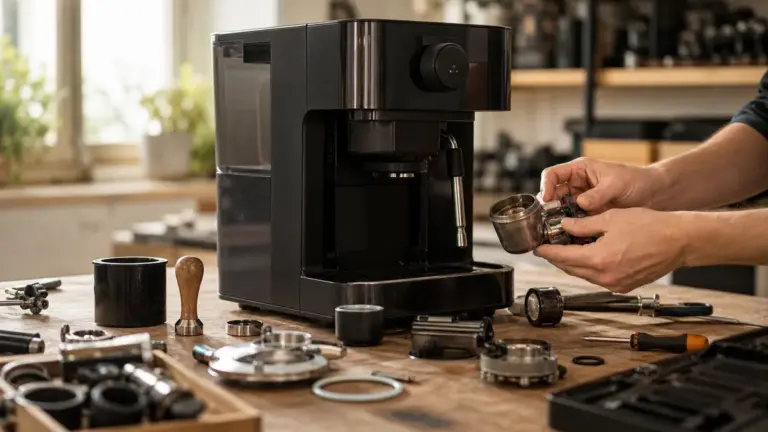
Switch off, unplug and allow the machine to cool before removing parts for inspection or cleaning. Do not remove the casing, bypass a safety switch or loosen a boiler, valve or internal pipe. Sage’s instructions reserve maintenance beyond cleaning for an authorised service centre; HSE likewise says electrical repairs should be undertaken by someone competent to do them safely.
Stop using the machine if its cable or plug is damaged, there are burn marks, or water is reaching electrical connections. Isolate power only from a dry, safely accessible point. In a workplace, prevent colleagues from using suspect equipment while it awaits assessment.
Use the equipment care and repairs hub for the wider maintenance plan. This guide helps you narrow down a symptom, not carry out an internal repair.
Coffee machine troubleshooting: a repeatable method
Use this sequence only when there are no safety warning signs. Your model’s instructions take precedence over the examples.
- Identify the machine and record the problem. Note the model, exact message and whether the fault began after cleaning, changing a filter, adjusting the grinder or moving the machine. Photograph the display before restarting.
- Check the water supply. With the machine safely off, refill and reseat its removable tank. Check that its filter is installed as instructed. For a plumbed-in office machine, ask the responsible facilities contact to confirm the supply rather than disconnecting fittings. Manufacturer troubleshooting repeatedly identifies tank position and filter preparation as relevant checks.
- Run the permitted water-only test. Reassemble the machine, then follow its rinse or hot-water procedure. Collect the output in a suitably sized heatproof measuring jug and record millilitres and elapsed seconds. These are comparison measurements, not a universal flow-rate test; stop if water fails to arrive rather than repeatedly running the pump.
- Standardise the coffee test. For a portafilter machine, use the basket’s specified dose and weigh it. As a model-specific reference, Sage’s Barista Express guide gives 16 to 19 g for its double basket and 25 to 30 seconds for extraction. These figures are not pass-or-fail limits for every espresso machine.
- Record temperature consistently. If temperature is the concern, measure a freshly dispensed black coffee in the same preheated cup, at the same point after brewing, using a suitable thermometer. Record degrees Celsius, but do not treat the SCA’s 92 to 96°C filter-brewing benchmark as a target for coffee already in the cup. That benchmark concerns water contacting the grounds.
- Make one permitted correction and repeat. Keep the beans, drink selection and other settings unchanged. On some bean-to-cup machines, grinder adjustments take several drinks to show their full effect; Philips specifies 2 to 3 drinks for the cited 3100-series models.
The measuring and recording sequence above is an editorial diagnostic method, not a manufacturer-certified performance test.
Match the symptom to the first safe check
These are possible causes, not diagnoses. Apply only the checks supported by your machine’s manual.
| Symptom | Likely cause | First safe fix |
|---|---|---|
| No water or coffee | Empty or poorly seated tank; trapped air; filter problem | Refill and reseat; follow the model’s priming instructions |
| Espresso only drips | Grind too fine; excessive dose; blocked basket | Clean the basket and check dose; then try a slightly coarser grind |
| Weak, fast espresso | Grind too coarse; insufficient dose | Check the weighed dose; adjust slightly finer |
| Water beneath the machine | Overflowing tray or an unresolved leak | Empty and refit the tray; stop if water reappears underneath |
| Coffee leaks around the portafilter | Grounds on the rim; incorrect fitting; gasket problem | Clean the rim and refit correctly; seek service if persistent |
| No steam | Wrong mode; empty tank; blocked tip | Check mode and supply; clean only as instructed |
| Coffee not hot enough | Cold cup; low temperature setting; added milk | Compare black coffee in a preheated cup |
| Error message persists | Unresolved user check or service fault | Record the exact code and consult model-specific support |
The flow, extraction and steam checks follow Sage and Philips guidance; Dualit identifies dirty or damaged brewhead gaskets as possible leak causes.
No water flow: separate supply problems from coffee resistance
First establish whether the permitted rinse or hot-water function works. On a portafilter machine, a manufacturer-approved test without ground coffee helps separate a restricted basket or coffee bed from a wider water-delivery problem. If water flows freely without coffee but stops with it, check the basket, grind and dose.
On a bean-to-cup machine, consider what changed immediately before the failure. Philips identifies trapped air, an incorrectly prepared or clogged water filter, and a dirty brew group, the mechanism that holds coffee during brewing, as possible causes. Follow the exact priming procedure; do not improvise by forcing water into the machine.
If the prescribed checks do not restore flow, stop and contact support. A noise alone is not enough evidence to order a replacement pump.
Slow shots and weak coffee: check the recipe before the hardware
For slow espresso, verify that the basket is clean and the dose suits it. Then move the grind slightly coarser, keeping everything else constant. A finer grind or excessive dose can restrict flow, while a coarse grind or insufficient dose can produce a fast, weak drink.
With bean-to-cup machines, compare the selected strength and drink settings with your last satisfactory drink before adjusting the grinder. Follow the manual’s adjustment procedure: the cited Philips models require changes while grinding, one notch at a time. This is model-specific, not a rule for all grinders.
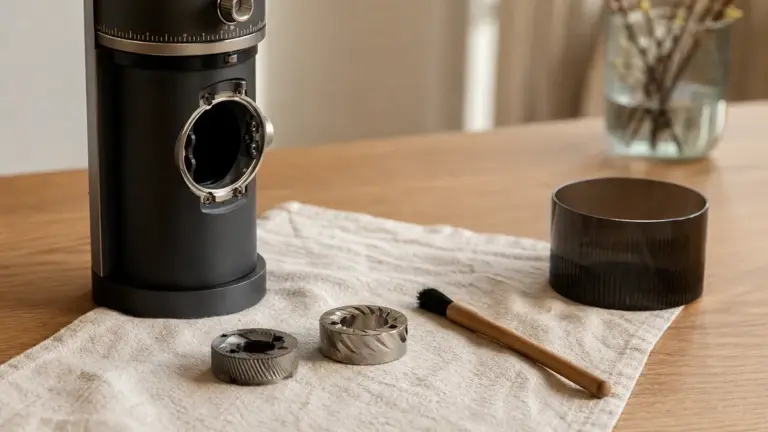
If grounds are collecting where they should not, inspect only the accessible coffee path described in the manual. See cleaning a coffee grinder for the maintenance procedure rather than dismantling the grinder during diagnosis.
Leaks: identify where the water appears
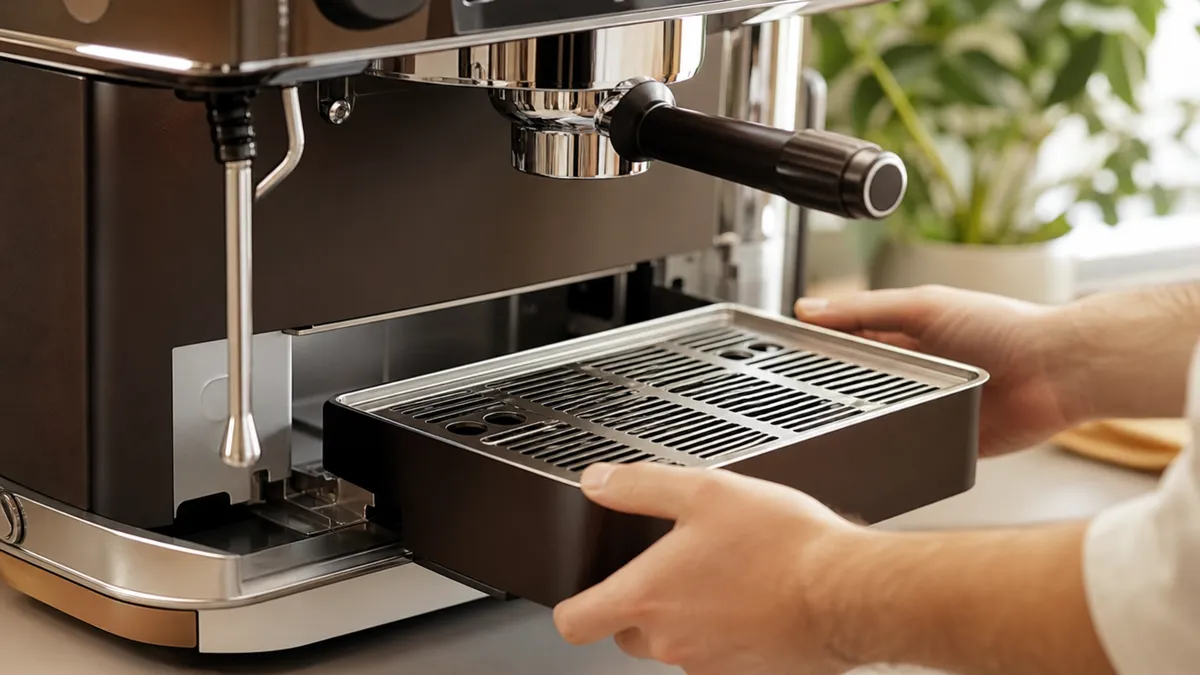
Water inside a bean-to-cup machine’s drip tray is not automatically a leak. Philips explains that some rinse water travels directly into the tray; an overflowing tray can make the machine appear to be leaking. Empty it, refit it correctly and distinguish water contained in the tray from water escaping onto the worktop.
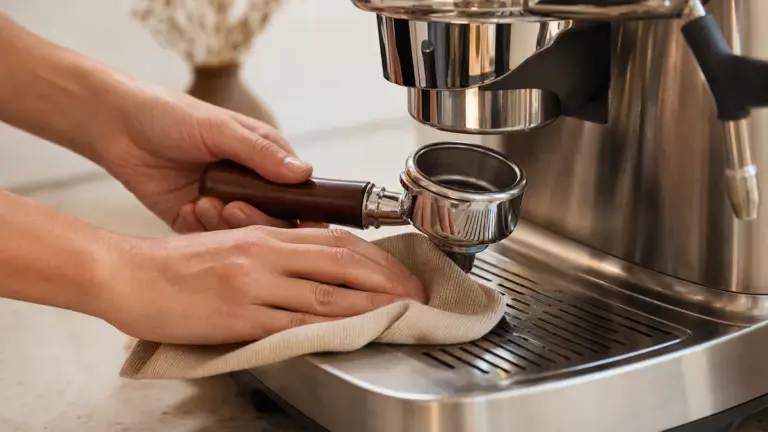
Coffee escaping around a portafilter calls for different checks: clean grounds from the basket rim, confirm the dose and fit the handle correctly. Persistent leakage may require gasket assessment. Do not compensate by forcing the handle increasingly tightly.
For continuing water underneath the casing, stop operation and arrange inspection rather than running more drinks to locate it.
No steam or poor milk delivery
Check that steam, rather than hot water, is selected and that the tank contains water. A blocked wand tip is another manufacturer-documented cause. Only clear or remove the tip using the supplied tool and the manual’s safe procedure, after switching off and allowing it to cool.
For automatic milk systems, check the user-removable assembly and tube connections. Philips lists dirt, incomplete assembly and incorrect positioning among causes of poor frothing. Follow cleaning bean-to-cup milk systems for the cleaning routine; if the permitted checks fail, request service.
Error messages: follow the exact model’s instructions
Record the complete message, including whether it appears during start-up, rinsing, grinding or brewing. Do not assume that the same number means the same fault across manufacturers.
For example, Philips identifies 05 as trapped air in the water circuit in its cited support guidance, while 14 indicates overheating and calls for switching off for 30 minutes. These are Philips-specific examples, not universal reset instructions. Follow the prescribed response and contact support if the message returns.
For component explanations rather than first checks, use common coffee machine faults.
Temperature and limescale: avoid misleading tests
Compare black coffee before investigating the milk system: cold cups, temperature settings and added milk can all affect the result. A repeatable cup measurement is useful information for support, but it does not directly measure the temperature at the coffee bed.
The SCA’s published 2017 home-brewer requirements specify reaching 92°C within the first minute at the grounds, maintaining at least that temperature afterwards and never exceeding 96°C. This is a filter-brewer certification benchmark, not a universal espresso setting or serving temperature.
Limescale is a documented possible cause of restricted flow, but it should not be the automatic explanation for every fault. Check the machine’s maintenance history and hardness setting. Consult your own water supplier’s local report, such as Thames Water’s postcode service, rather than assuming a single UK hardness value; follow the machine’s instructions for testing and setting hardness.
When to call a technician
Arrange professional assessment when:
- The electrical supply trips, the machine overheats, or there are damaged electrical parts.
- Water continues escaping beneath the casing.
- Flow or steam remains absent after the manufacturer’s permitted checks.
- A service message returns after the prescribed response.
- Diagnosis would require removing covers or accessing internal components.
These are conservative stopping rules, consistent with HSE’s advice to remove unsafe equipment from use and use competent people for maintenance. In Great Britain, workplace maintenance must be planned and carried out safely; shared office equipment should not remain available while a potentially unsafe fault is investigated.
Give the technician the model, message, maintenance history and results of your repeatable test. For a consumer purchase, contact the retailer before commissioning work: statutory rights concerning faulty goods are separate from a manufacturer’s guarantee, and damage caused by attempted repairs can complicate a claim.
FAQ
Why does “empty grounds container” remain after I have emptied it?
The machine may not have registered the emptying procedure. For the cited Philips 3100-series models, emptying the container while switched off does not reset the coffee-cycle counter, and replacing it too quickly can also cause a persistent message. Follow your model’s sequence. This exception concerns a designated user-removable container, not permission to clean internal parts while powered.
Can I use vinegar to clear a suspected blockage?
Use vinegar only if your machine’s manufacturer explicitly permits it. Philips’s cited manual prohibits acetic-acid descalers, including vinegar, because they may damage the water circuit and fail to dissolve scale properly. A suspected blockage is not a reason to introduce an unapproved chemical: identify the symptom, then follow the specified cleaning or descaling procedure.
Does a pulsing pump sound mean the machine is broken?
Not necessarily: some pumping sounds are normal. Sage describes pulsing during extraction or steaming as normal for its Duo-Temp Pro, but identifies a loud, continuous pumping noise as a reason to check the tank and its seating. Judge a sound alongside flow, messages and changes from normal operation, rather than treating noise alone as a diagnosis.
Where to go next
Read Common Coffee Machine Faults to understand the components behind a persistent symptom, and Repair or Replace? when a technician has established what has failed. Use Coffee Equipment Care and Repairs to turn the findings from coffee machine troubleshooting into a practical maintenance routine.
Sources
Manufacturer instructions below support model-specific examples, not universal specifications.
- S1. Health and Safety Executive, Introduction to electrical safety, undated current web guidance.
URL: https://www.hse.gov.uk/electricity/introduction.htm - S2. Health and Safety Executive, Maintenance of work equipment, undated current web guidance.
URL: https://www.hse.gov.uk/work-equipment-machinery/maintenance.htm - S3. Sage Appliances, the Duo-Temp Pro BES810/SES810 Quick Guide, 2021, revision UG6 D21, particularly safety and troubleshooting sections.
URL: https://assets.sageappliances.com/BES810/SES810_EU_UG6_D21_FA_LR.pdf - S4. Sage Appliances, the Barista Express BES875/SES875 User Guide, revision UG6 D21, extraction guide.
URL: https://assets.sageappliances.com/BES875/SES875_EU_UG6_D21_FA_LR.pdf - S5. Philips, There is no coffee coming out of my Philips Espresso Machine, undated support page.
URL: https://www.philips.co.uk/c-t/XC000004107/there-is-no-coffee-coming-out-of-my-philips-espresso-machine/1000 - S6. Philips, 3100 series Super Automatic Espresso Machine User Manual, 2017, document 4219.460.4098.1.
URL: - S7. Dualit, Espress-Auto Coffee and Tea Machine Support, undated support page.
URL: https://help.dualit.com/en-US/espress-auto-coffee-and-tea-machine-support-255915 - S8. Philips, I see an error code on my Philips Espresso Machine, 18 April 2025.
URL: https://acc.philips.co.uk/c-t/XC000004106/i-see-an-error-code-on-my-philips-espresso-machine - S9. Specialty Coffee Association, Certified Home Brewer Program: Minimum Certification Requirements, 2017 edition.
URL: https://sca.coffee/research/coffee-standards - S10. Thames Water, Check your water quality, undated postcode service.
URL: https://www.thameswater.co.uk/help/water-and-waste-help/water-quality/check-your-water-quality - S11. GOV.UK, Accepting returns and giving refunds: the law, undated current guidance.
URL: https://www.gov.uk/accepting-returns-and-giving-refunds
Research combined retrieved manufacturer manuals and support pages with HSE safety guidance, published SCA certification requirements, a local water-supplier service and GOV.UK consumer guidance; no first-hand machine testing is claimed.
Last checked: November 2026